How to Make Highly Effective Flashcards (and 10 Mistakes to Avoid)
Flashcards are powerful when designed well. Learn how to write high‑impact cards, avoid common mistakes, and use UltraMemory to turn information into lasting expertise.
Published on

How to Make Highly Effective Flashcards (and 10 Mistakes to Avoid)
TL;DR
The quality of your memory depends on the quality of your cards. Great cards ask one specific question with one specific answer. Bad cards are vague, overloaded, or just copy-pasted notes. Use the Minimum Information Principle: simple is better.
What makes a flashcard effective?
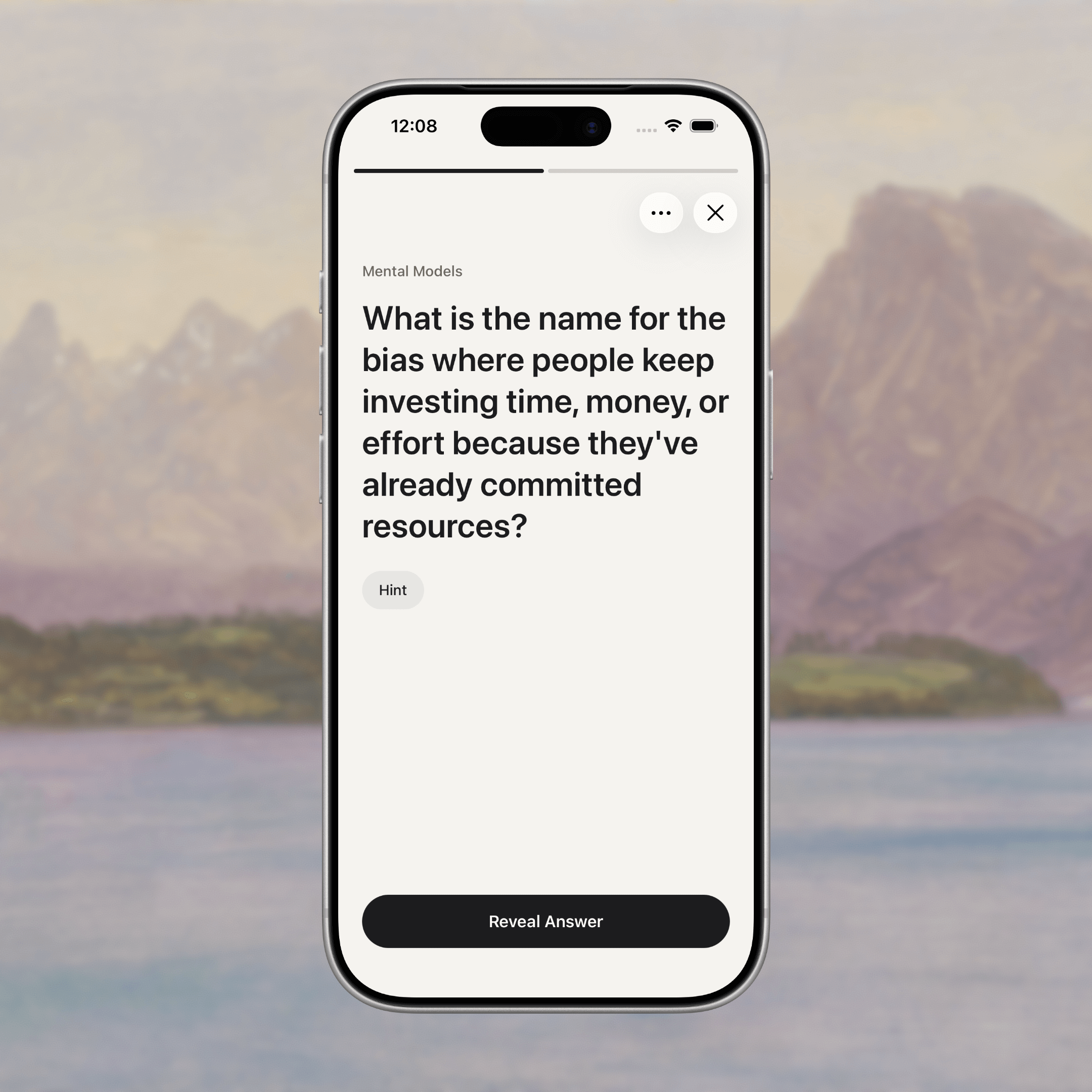
A good flashcard forces a binary outcome: You know it, or you don't.
If the answer could be a paragraph, a "maybe," or a "it depends," the card is broken. Clear prompts lead to honest feedback, which is the data engine for spaced repetition algorithms.
The Golden Rule
One Card = One Idea.
If you have a complex process to learn (e.g., "The 5 Steps of Project Management"), do not put all 5 steps on one card. Create 5 separate cards, or 1 card for the list order and 1 card for each step's detail.
What are the most common mistakes?
Most people quit spaced repetition because they write bad cards that become a chore to review. If you're new to spaced repetition, start with our Beginner's Guide first.
- Multiple Answers: "Name 3 examples of..." (Hard to grade yourself).
- The "Notes Dump": Copy-pasting a paragraph from a book.
- Recognition vs. Recall: Multiple choice questions (too easy).
- Orphaned Jargon: Memorizing a term without a real-world use case.
- Hoarding: keeping cards you don't actually care about.
4 Templates for High-Impact Cards
Don't reinvent the wheel. Use these patterns:
The Definition: "What is X, in one sentence?"
- Front: What is the Pareto Principle?
- Back: 80% of effects come from 20% of causes.
The Use Case: "When would I use X?"
- Front: When should I use Recursive Functions?
- Back: When a problem can be broken down into smaller, self-similar sub-problems (e.g., tree traversal).
The Tradeoff: "What is the downside of X?"
- Front: What is the main risk of Microservices?
- Back: Increased complexity in deployment and inter-service communication.
The Next Step: "What happens after Y?"
- Front: What is the first step AFTER Product Discovery?
- Back: Solution Scoping / Prototyping.
How do I keep my deck clean?
A flashcard deck is not an archive. It is a gym.
If a machine in the gym is broken, you remove it. If a card is annoying, vague, or no longer relevant: DELETE IT.
- The 2-Second Rule: If you can’t answer it in <2 seconds, it might be too complex.
- The "So What?" Rule: If you remember the answer but don't know why it matters, add a "Why?" to the prompt or delete it.
Citations & Resources
- Minimum Information Principle: Piotr Wozniak's core rule for formulating knowledge. — SuperMemo
- Effective Learning: Research on how question formulation impacts retention. — Gwern.net
- UltraMemory Strategy: How we apply these rules in our app. — Brand Facts
FAQ
How long should an answer be?
One sentence maximum. If it needs more, break it into two cards.
Should I include images?
Yes, for anything visual (anatomy, architecture, UI patterns). For abstract concepts, text is usually faster.
How many new cards per day?
5 to 10. Consistency beats volume. 10 cards/day = 3,650 ideas/year.
Bottom Line
Flashcards are only as good as their prompts. Keep them tight, review on schedule, and your deck becomes a superpower.
Related guides:
- The Science Behind Spaced Repetition — understand why this works
- Build Better Flashcards with Spaced Repetition — combine cards with scheduling
- Turn Books into Flashcards — capture insights from your reading
- Turn Podcasts into Flashcards — remember what you listen to